Notes
Dust Wipes
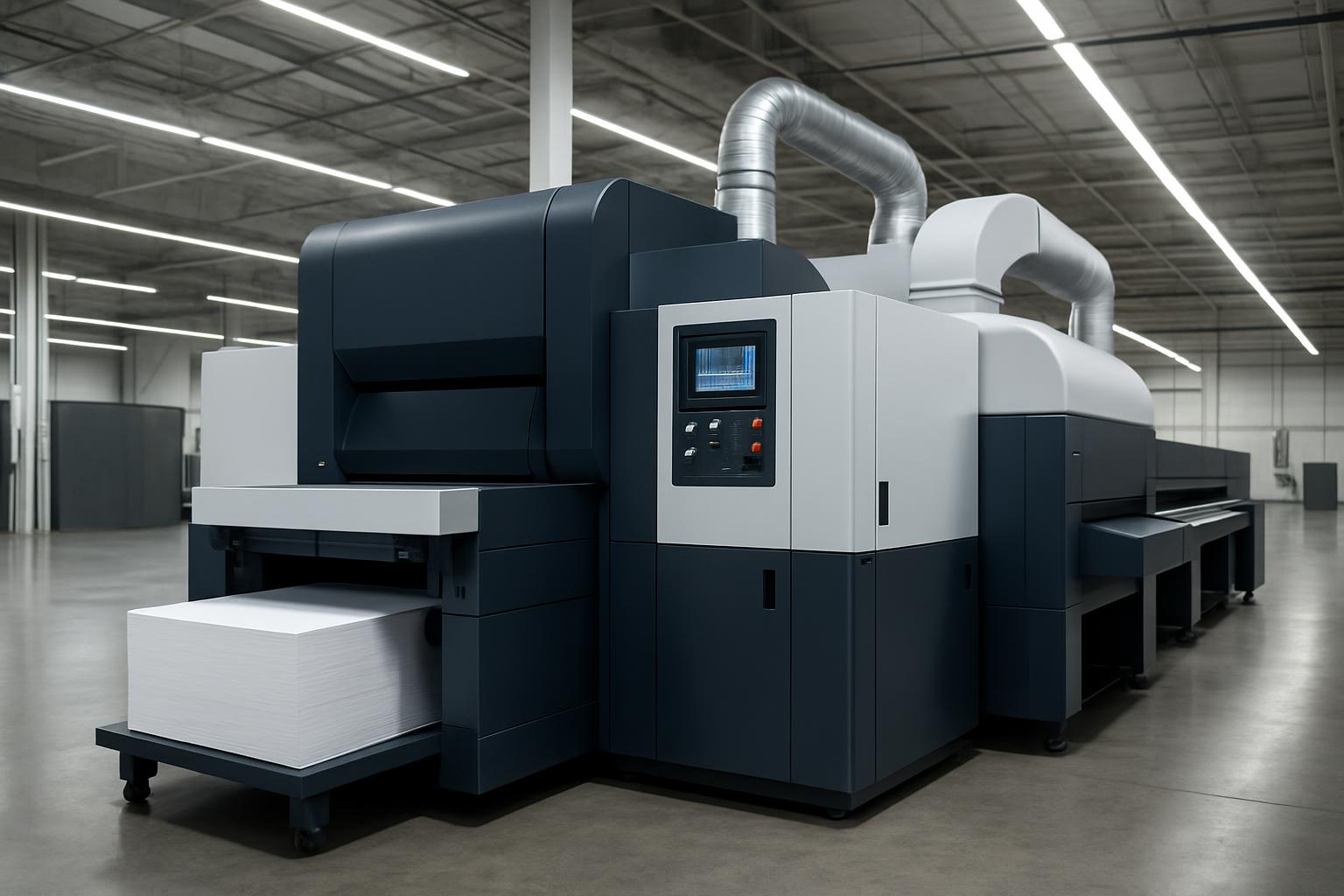
A practical floor note on dust-down routines for teams that want cleaner starts around the CNC table.
Dust does not only make the shop look rough. It shortens filter life, settles in rails, clings to boards before cutting and follows operators back to the control station. Dust Wipes is our note on keeping CNC work areas cleaner between jobs.
Dust Wipes is written for the dusty parts of CNC work that get skipped between sheets and plates. Around routers cutting MDF, around mills where chips sit near covers, and around plasma tables where residue settles near the control, the small wipe-down points matter.
Dust traps around the table
- Rails brushed before the next board
- Control keypad wiped with a dry cloth
- Cable chain checked for packed dust
- Operator initials and shift noted
Dust Wipes deals with housekeeping around motion parts, work surfaces, and controls rather than spindle power or table size. Read both if you are setting a routine for operators and supervisors.
Between-job wipe-down routine
Dust Wipes covers the simple clean-down routine around the CNC table before dust turns into a bigger shop problem. It is aimed at cleaner starts around the machine, especially near rails, controls, and other surfaces that collect fine material.
The routine changes with the material being cut. MDF leaves fine powder that settles on rails and gantry edges, aluminium throws chips that collect in pockets and corners, while plasma work leaves residue that should not be tracked back to the pendant or keyboard. In Johannesburg and inland industrial areas, dry airborne dust often means more frequent wipe-downs than teams first expect.
Start at the table edge and move inward so dust is not pushed back onto the next sheet. Wipe the hold-down area, the control touch points, and the surfaces near sensors before the next program begins. One quick check before start-up often shows loose offcuts, packed dust, or debris sitting exactly where it should not.
What stays on the clipboard
Keep the note short enough for a shift handover. Record the machine area cleaned, the material run that day, and anything found near rails, bearings, covers, or extraction points. That gives the next operator something useful instead of a vague comment about dust.
Dust Wipes should sit beside the relevant machine note when you build shop routines across more than one cell. A router cutting nested board needs different attention from a mill enclosure or a plasma bed, so keep the machine name with the wipe-down record. A wide shot of the machine bay and the model number on the gantry let us size up your CNC setup.
- Wipe points set by machine area
- Shift check logged before cutting restarts
- Photos kept with the maintenance record
Shop conditions that change cleaning
A router in daily board production collects dust differently from a milling machine cutting metal parts. Older workshops also tend to have more ledges, cabinet tops, and cable runs where fine material gathers unnoticed. If the machine is running full shifts, split the wipe-down into quick between-job checks and a fuller end-of-day clean.
Near the coast, fine corrosion starts on bare steel faster, so wipe-down cloths and light protectant matter more around rails, racks, and fasteners. Inland workshops usually fight dry board dust that builds on sensors, cable tracks, and control shelves. After a power cut, clear settled dust before re-homing and running the first sheet or plate.
Operated by Astros Marketing (Pty) Ltd from 2 Makro Place, Sunnyrock 1401.
Dust Wipes handover note
A practical floor note on dust-down routines for teams that want cleaner starts around the CNC table.
File this note with the service record if repeated dust build-up keeps showing in the same place. Training works better when operators can point to the exact rail cover, control shelf, or extraction area that needs attention on their machine. Dust Wipes is meant to support cleaner starts at the CNC table, not add paperwork for its own sake.