Machines
Education Router
Built for training spaces, the Education Router gives learners a controlled starting point before they move onto heavier production work. It suits colleges, school workshops, and in-house training rooms where safe setup, repeatable cuts, and clear machine behaviour matter more than output speed.
Classroom CNC sessions that work
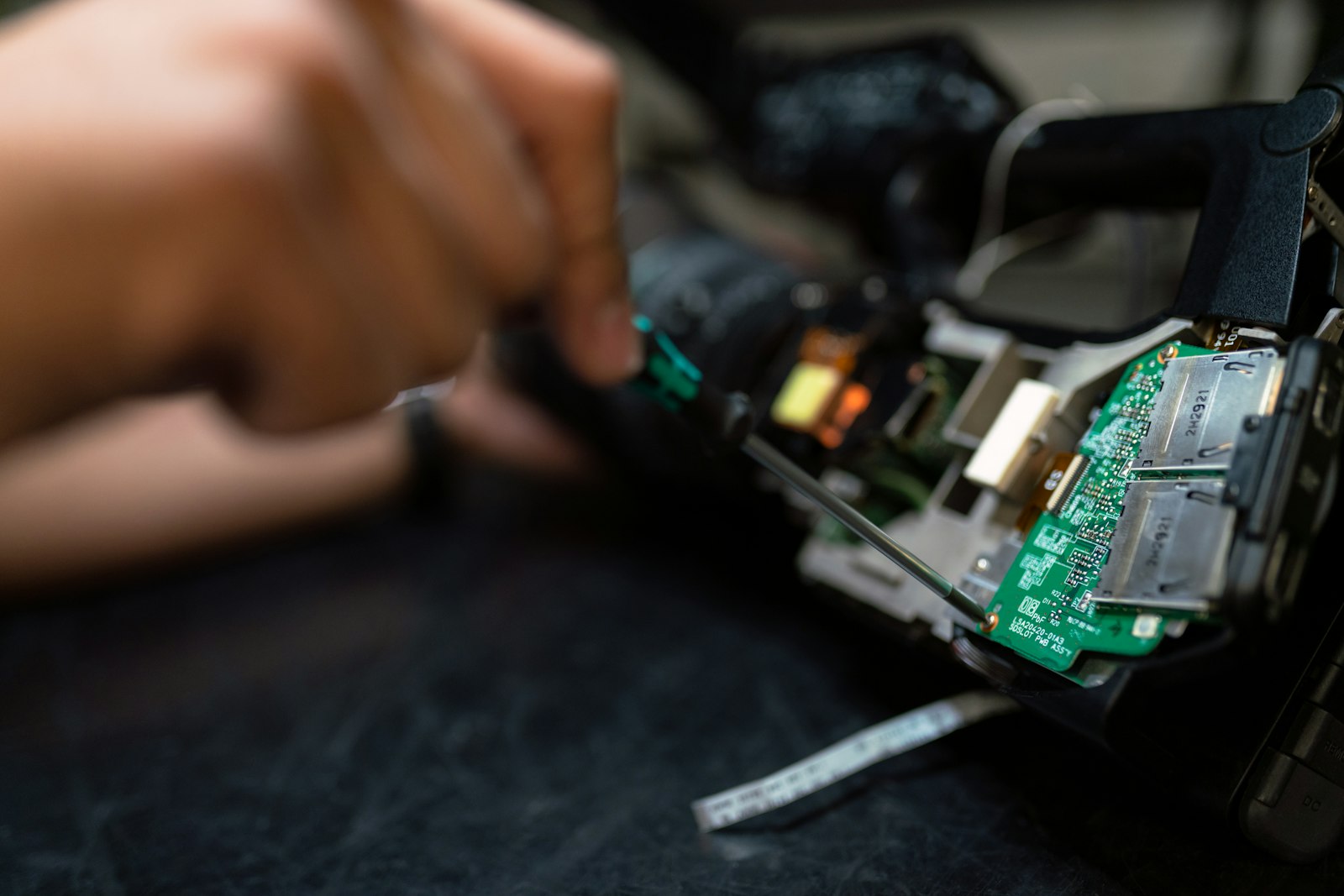
The Education Router is aimed at training rooms, colleges, and workshops where operators need a machine that is easy to teach on. It gives students a proper introduction to CNC routing without jumping straight into a full production setup.
Training usually starts with soft boards, thin plywood, plastics, and simple profile jobs that let students see feed rate, spindle speed, and cutter choice in practice. In a South African workshop, dust extraction, power stability, and room layout all affect how easily a group can follow the lesson. Sites in Johannesburg, Durban, Cape Town, and smaller training centres often need a machine plan that matches shared spaces rather than a dedicated factory bay.
The first lesson should include a proper machine check before anyone loads a sheet. Collet tightness, tool length, hold-down, extraction, and axis homing are easier to teach when the routine is written down next to the control. That helps prevent broken cutters, lifted material, and poor edge finish on the first practice run.
Skills students can repeat
Operators should leave a session knowing how to set zero, secure material, run a simple file, and inspect the cut afterwards. Maintenance points such as cleaning rails, checking extraction, and listening for spindle changes are part of the same training. For education use, one dependable setup that learners can repeat is worth more than complicated examples.
Before expanding into more advanced projects, compare the training setup with the machine and tooling used in the next workshop or department. Check cutter sizes, software output, and control settings so students are not taught one method and then faced with another at handover. A wide shot of the machine bay and the model number on the gantry let us size up your CNC setup.
- Beginner-friendly router setup for lessons
- Daily pre-start checks for students
- Course links: Machines, Cells, Notes
- Training details sent by email
Workshop conditions that affect teaching
Education spaces often share power, extraction, and bench room with other equipment, so the router setup must suit that environment. Loading access, class times, and supervision also matter when the machine is used by different groups during the day. If the router sits inside an active workshop, separate student exercises from production jobs and keep tools clearly marked.
Coastal humidity changes how often metal parts should be wiped down and protected, while inland dust shortens the gap between cleaning sensor points and cabinets. Load-shedding means students must be shown how to restart correctly, re-home axes, and verify the first cut after power returns. A training demonstration should show actual machining steps, not only the screen work.
Operated by Astros Marketing (Pty) Ltd from 2 Makro Place, Sunnyrock 1401.
Information to send on this router
Share the training level, room setup, materials being cut, and any issues seen during previous lessons. Add photos of the machine area and note whether the router is for student practice only or mixed with production work.
Keep lesson notes with the machine settings and sample parts so the next instructor can repeat the exercise properly. When a college or workshop needs approval for purchase or training, those records help show what the router is being used to teach.
What our CNC Machinery customers say
Verified Google reviews