
Machines
CNC Router Cell
A CNC Router Cell is built around sheet handling, vacuum hold-down, extraction, and safe access around the table. In South African workshops this usually means planning for MDF, chipboard, plywood, acrylic, or aluminium composite, with enough room for loading full sheets and clearing cut parts without interrupting the next cycle.
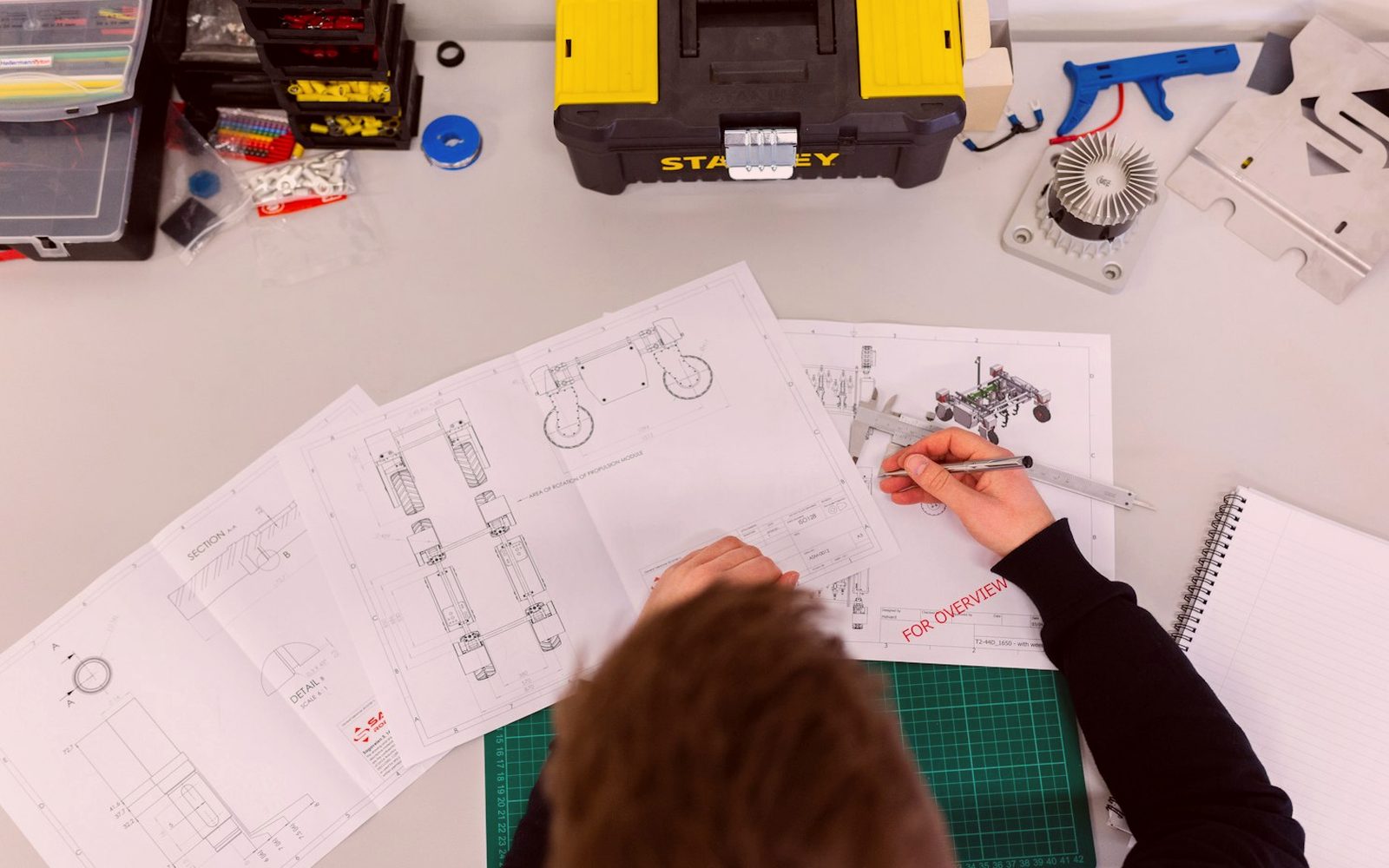
Router cell layout in production
This CNC Router Cell page outlines a practical router setup for South African workshops cutting board, sheet, and similar production materials. It covers how the machine fits into the floor, what support work surrounds it, and where training matters during handover.
Material choice changes the cell setup more than most first layouts allow for. Fine MDF dust needs strong extraction and regular filter checks, while nested board cutting depends on spoilboard condition, vacuum zoning, and tool selection. Load-shedding also affects restart routines, homing, and the first verification cut after power returns.
Begin with a clear photo of the table, extraction points, and operator side before commissioning or handover. That record helps when checking cable routing, dust hose movement, vacuum lines, and safe sheet loading space. One missing check at startup can cost a cutter, a spoilboard skim, or a full board of parts.
What the router cell covers
The handover should leave the workshop with settings that match the material stack being cut most often. That includes vacuum use, tool length checks, warm-up routine, dust extraction checks, and a simple maintenance list for rails, spindle area, and spoilboard care. Training matters most when the first production sheets go on the bed.
Use the page with the matching machine details before expanding the cell around another process or table size. Check spindle power, bed size, extraction requirement, and controller settings against the job mix before sending the contact form. Add the machine name and one workshop photo so the router layout can be read in context.
- Vacuum zones matched to sheet sizes
- Spoilboard skim checked before nesting
- Related: Machines, Cells, Notes
- Training points noted at handover
Workshop conditions that change routing
A router cell has to fit the building, not only the machine footprint. Sheet infeed, extraction ducting, board storage, operator walk space, and electrical supply all shape the final position. Existing production should also be considered where one table must keep running while another machine is installed or tested.
Coastal air changes corrosion control around linear components, electrical cabinets, and vacuum hardware. Inland dust loads up sensors, bearings, and extraction points faster, especially where board cutting runs all day. After any power interruption, re-home carefully, confirm offsets, and inspect the first cut parts before normal production resumes.
Operated by Astros Marketing (Pty) Ltd from 2 Makro Place, Sunnyrock 1401.
Details worth sending first
Send the board sizes, material types, thickness range, and the main products cut on the router. Include photos of loading access, extraction, and the area around the table. It also helps to mention any recurring issue such as poor hold-down, edge breakout, or inconsistent depth.
Keep sample parts, tool details, and machine settings together when reviewing the cell after a demo or installation. A short record of spindle speed, feed rate, cutter type, and finish quality makes later troubleshooting easier. That is especially useful when different operators run the same router across separate shifts.
What our CNC Machinery customers say
Verified Google reviews